Export
Multicore Export
GeoSlicer module to export the summary, core slices, and unfolded images of cores.
Panels and their use
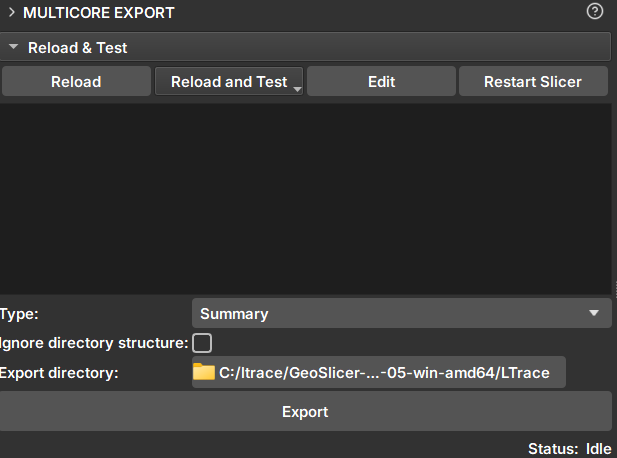 |
|---|
| Figure 1: Multicore Export Module. |
Inpaint
-
Selector: Selects one or more volumes for export.
-
Type: Data type to be exported. Available options:
- Summary: Creates an html file for viewing core information.
- CSV: In two formats with depth columns and image CT intensities. One of them is compatible with Techlog software.
- PNG: Export option for the unfolded image.
- TIF: .tiff file of the core volume.
-
Ignore directory structure: If selected, all files will be saved in the selected directory, without creating new sub-directories.
-
Export directory: Directory where the files will be saved
-
Export: Exports to the chosen directory.